A month ago or so I noticed that HP has released a new ThinPro Image for their t5745 thin clients and because I was having issues with bi-directional audio in VMware View, I was anxious to test the new image out. As much as the operation of creating a bootable USB flash drive with this image should have been easy, I had a tough time because of the USB flash drive I was using. Since it wasn’t obvious that the issue was with the flash drive, I thought it would be a good idea to blog this in case anyone searching on the internet as I did.
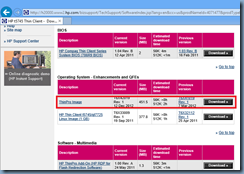
The image I downloaded was the following version:
T6X42019 Rev. 1
12 Dec 2012
… and could be found at the following link:
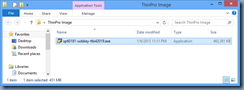
The file name for the image utility is: sp60181-usbkey-t6x42019.exe
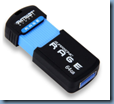
The initial USB flash drive I used was my new Patriot Rage XT 64-bit:
Running the executable will begin extracting the files:
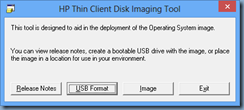
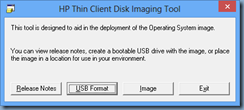
The following HP Thin Client Disk Imaging Tool would be presented:
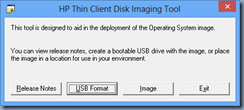
Clicking on the USB Format button is supposed to format the USB flash drive and copy the ThinPro files onto it creating a bootable USB:
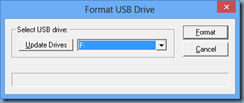
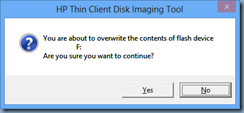
What I noticed is that the following Formatting window pops up for a split second then disappears:
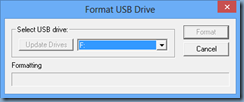
You are then brought back to this window:
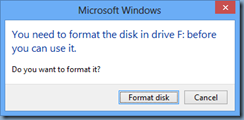
Attempting to browse the USB stick will prompt you to format the USB flash drive:
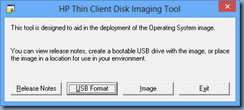
From here, I tried to click on the Image button:
Which then opens up the following window:
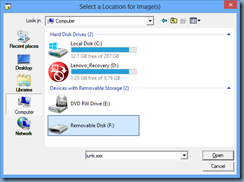
Clicking on the drive will prompt you to format the USB drive:
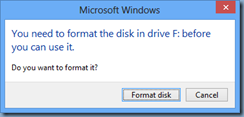
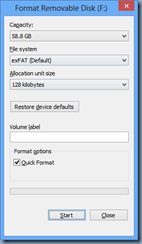
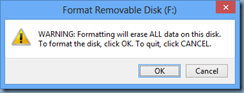
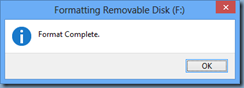
After the formatting is complete, you will then be able open the USB flash drive:

Click on the Open button will extract the files:
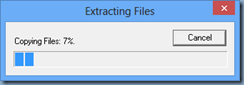
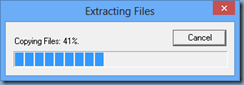
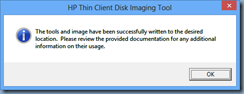
Browsing the USB flash drive will show the following file:
T6X42019.dd.gz
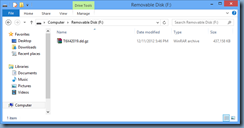
This USB stick is not bootable.
After having no luck when trying to Google this issue to see if anyone else has experienced this issue, I went ahead and grabbed one of my older 16GB USB flash drives:

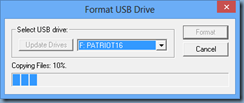
What I immediately noticed was that when I hit the Format button, progress was shown this time:
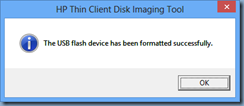
Once the format operation finished, the USB flash drive now had a Thinstate label:
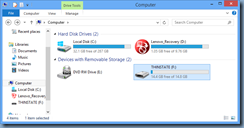
While the drive had files:
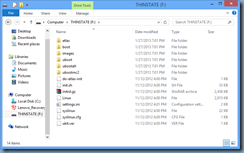
I was then able to boot a HP t5745 thin client with this USB flash drive and image it with the latest ThinPro operating system.
I hope this helps anyone out there who may experience the same issue as I because it was definitely a frustrating 30 minutes when I was trying to figure out why the utility didn’t place the files I expected on the USB flash drive and nothing was out there when I tried to Google the issue.