Problem
You attempt to delete a desktop catalog in XenDesktop 5.6 Desktop Studio but receive the following error:
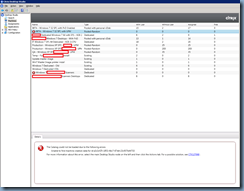
The Catalog could not be loaded due to the following errors:
Unable to find machine creation data for id a3c3cf25-1853-4bc7-87dd-23c937b44733
For more information about this error, select the main Desktop Studio node on the left and then click the Actions tab. For a possible solution, see CTX127068.

Solution
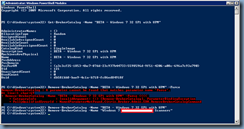
While I’ve only come across this issue once, the only way the Citrix support engineer was able to delete the catalog was through the PowerShell with the cmdlet:
Remove-BrokerCatalog -Name “Desktop Group Name”