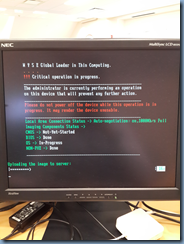
Problem
You attempt to use the Get Device Image feature (non PXE) from within Dell Wyse Device Manager Version 5.0 to pull an image off of a Wyse Thin Client:
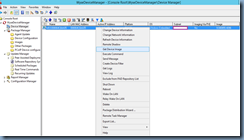
The WDM Server is able to restart the Thin Client and begin the process of uploading the server but you notice that the progress never increases from 0% and eventually errors out with:
BusyBox v1.00 (2007.02.08-11:26+0000) Built-in shell (ash)
Enter ‘help’ for a list of built-in commands.
/bin/sh: can’t access tty; job control turned off
/bin #
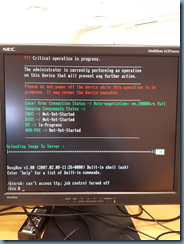
Nothing happens and you are forced to restart the thin client.
Solution
The Wyse thin client I was working with was an older Z90S7 model and apparently had an older Boot Agent that needed to be updated so from within the Wyse Device Manager console, I navigated to Package Manager –>Other Packages then dragged and dropped the BootAgent item to the Device Manager node:
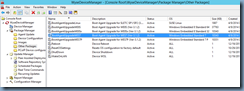
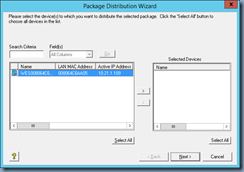
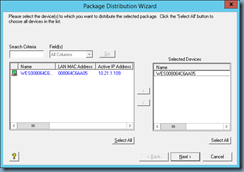
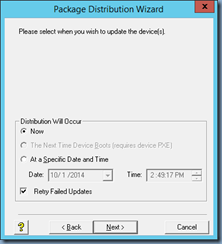
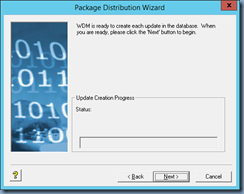
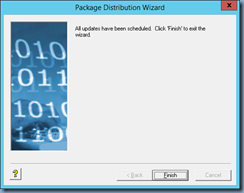
Continued through the wizard and selected the thin client to be updated:
I was then able to successfully pull the image from the Wyse thin client once the boot agent was updated: