Problem
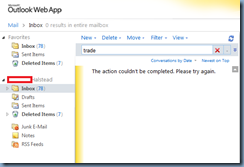
You attempt to search the inbox of a mailbox on Exchange Server 2010 with SP2 Outlook Web App (OWA) but receive the following message:
The action couldn’t be completed. Please try again.
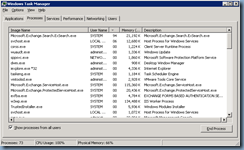
Logging onto the Exchange server and reviewing the Task Manager shows that the Microsoft.Exchange.Search.ExSearch.exe process is consuming high amounts of the CPU:
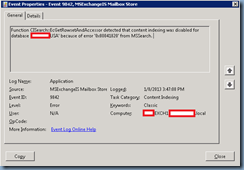
Reviewing the Application logs show the following event ID 9842 logged:
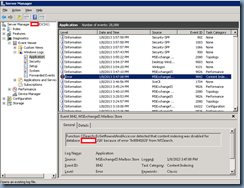
Function CISearch::EcGetRowsetAndAccessor detected that content indexing was disabled for database ‘MailboxStoreName’ because of error '0x80041820' from MSSearch.
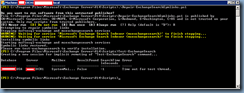
You’ve tried executing the Repair-ExchangeSearchSymlinks.ps1 script from http://gallery.technet.microsoft.com/scriptcenter/16afe88b-6c6d-49a3-8b03-2a2ece27f61a and then running Test-ExchangeSearch but still receive errors:
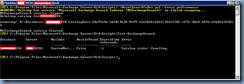
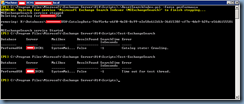
You’ve also tried using the ResetSearchIndex.ps1 (http://technet.microsoft.com/en-us/library/aa995966(EXCHG.80).aspx) script but still receive errors:
Solution
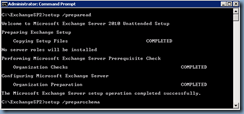
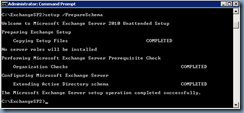
After trying the common solutions suggested by forum posts without any luck, what ended up fixing this issue for me was rerunning the prepareAD and prepareSchema from the Exchange Server 2010 Service Pack 2 setup.exe:
setup /preparead
setup /prepareSchema
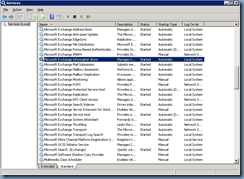
Then restarting the Microsoft Exchange Search Indexer service:
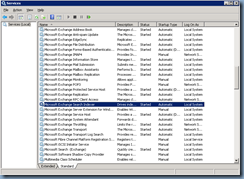
… and the Microsoft Exchange Information Store: