While the problem outlined in this post isn’t specific or caused by VMware View but rather Microsoft Windows Server 2008 R2, it was an issue I encountered today that threw me off for a few minutes until I was able to determine the cause.
Problem
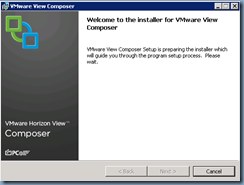
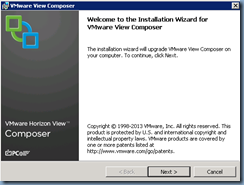
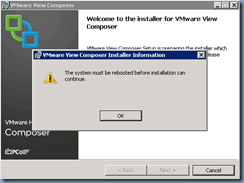
You attempt to install VMware View Composer on a Windows Server 2008 R2 server:
… but notice that the installer is unable to continue as you are prompted with the message:
The system must be rebooted before installation can continue.
Solution
As noted in the beginning of this post, the issue wasn’t specific to VMware View’s Composer install but rather a stuck pending operation in Windows. The following KB outlines 2 registry keys:
- HKEY_LOCAL_MACHINE\SYSTEM\CurrentControlSet\Control\Session Manager\PendingFileRenameOperations
- HKEY_LOCAL_MACHINE\SYSTEM\CurrentControlSet\Control\Session Manager\FileRenameOperations
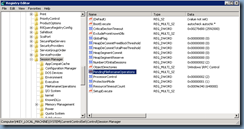
… that should be checked. The server that I was working on turned out to have values defined in the PendingFileRenameOperations that could not successfully complete after multiple reboots:
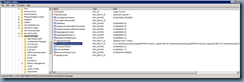
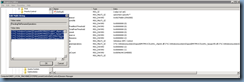
What I ended up doing was open up the Multi-String value and deleted what appeared to be printer drivers:
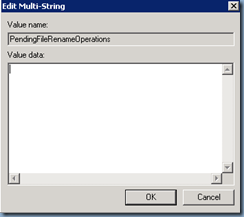
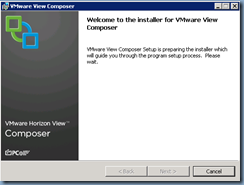
This immediately corrected the issue and I was then able to continue installing the VMware View Composer service on the server: