I recently had to virtualize a few racks of HP DL380 G3 servers which I haven’t had to do for years and remembered how annoying some of the HP applications on these servers can be. One of the applications that you won’t be able to uninstall via the Add/Remove Programs is the HP Network Configuration Utility as shown in the following screenshot:

Opening the utility shows there isn’t an option to disable or uninstall:
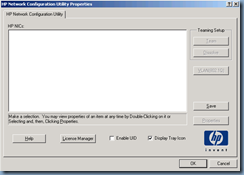
The way to uninstall it is to actually open the NIC’s properties begin by open the Network Connections window:
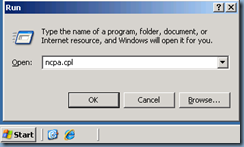
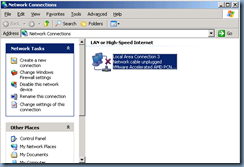
Open the properties of a NIC:
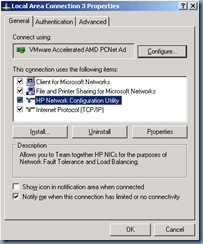
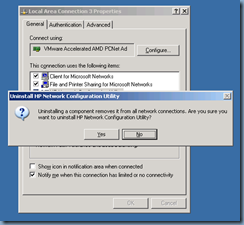
Highlight the HP Network Configuration Utility line item and click on the Uninstall button:
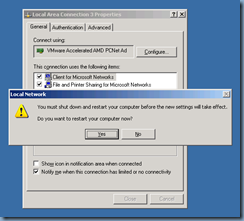
You will be asked to reboot upon completing the uninstall:
Proceed to restart the server:
The HP Network Configuration Utility should no longer be in the system tray once the server has restarted:
 s
s